Look closer
Explore day and night on Earth, turn a planet around, and inspect it from a new angle.
 Galaxy Gallery
Discover planets and moons in interactive 3D, explore the Solar System, and learn fascinating facts about space.
For iPhone and iPad · iOS / iPadOS 17+
Free download with ads and optional purchases
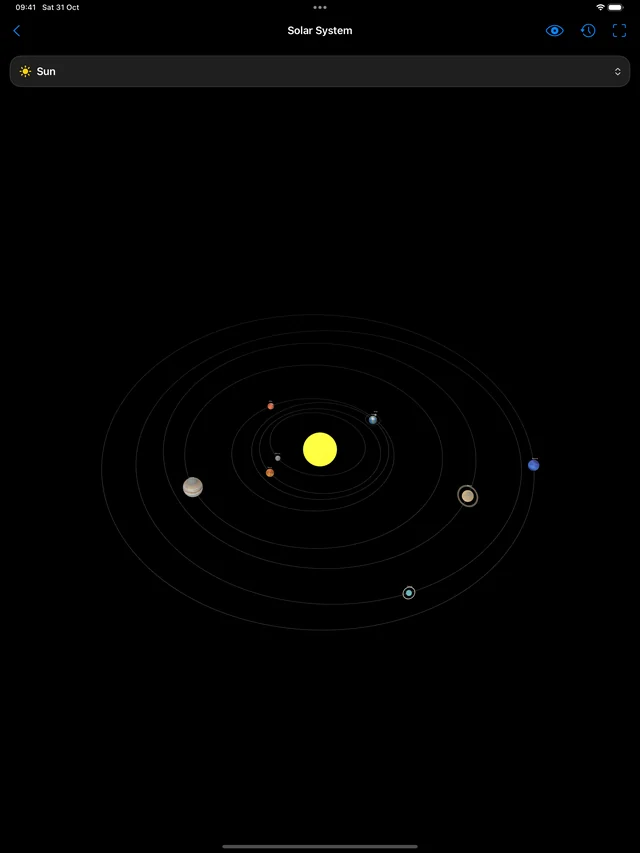
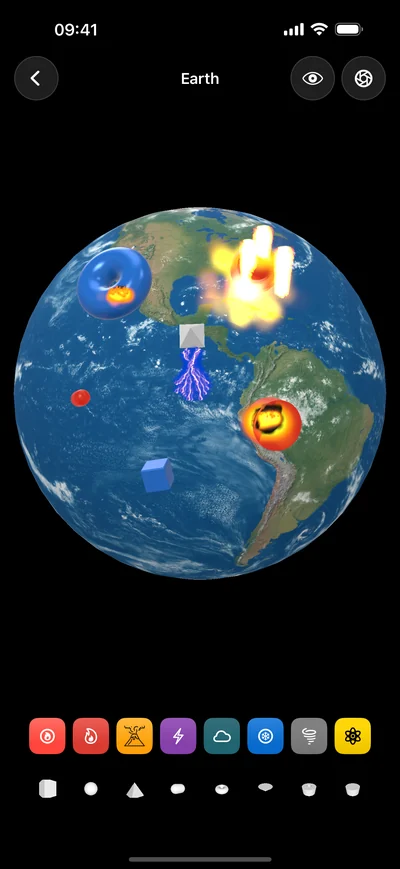
Get closer to planets and moons. Rotate a world, zoom in on its surface, and watch the Earth–Moon system and planetary orbits in motion.
Explore day and night on Earth, turn a planet around, and inspect it from a new angle.
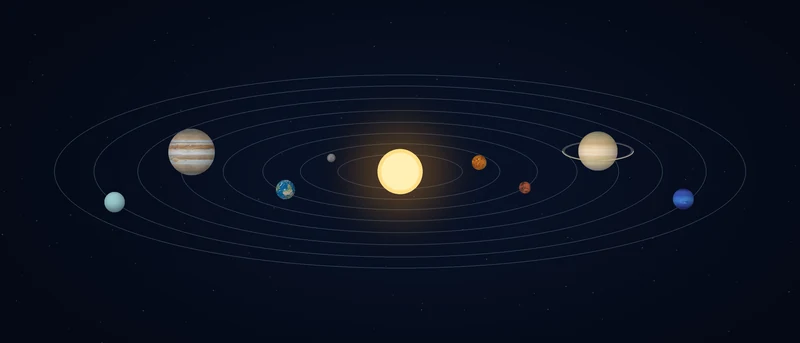
Follow the Earth and Moon, then explore how the planets move around the Sun.
Open planet information and hear optional narrated facts as you explore.
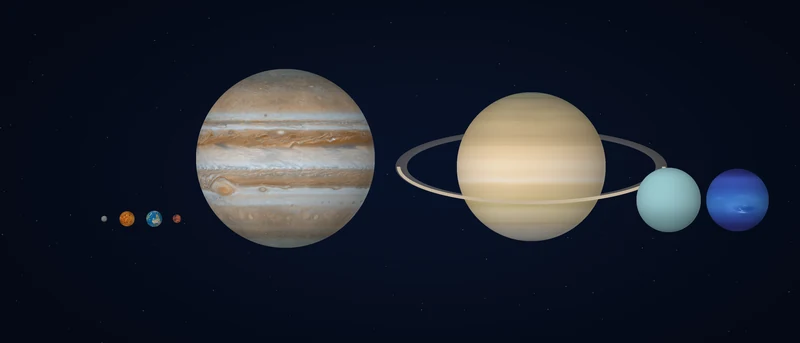
Put Earth beside Jupiter, Saturn, and the other planets. Comparing their relative sizes makes the scale of the Solar System easier to grasp.
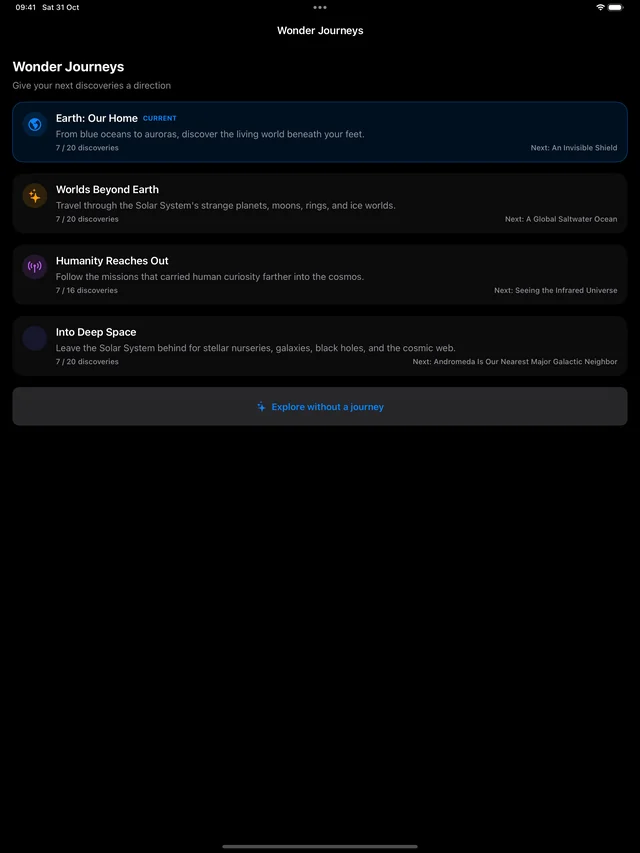
Follow themed Wonder Journeys, from Earth and nearby worlds to humanity’s missions and deep space. Discover facts about planets, moons, and the universe, then return to the ideas that caught your attention.
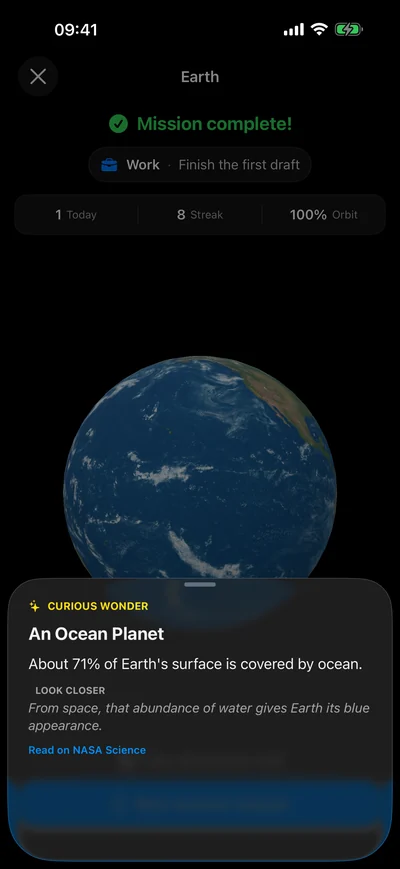
Complete optional focus missions to unlock more Wonders and grow your collection of discoveries.
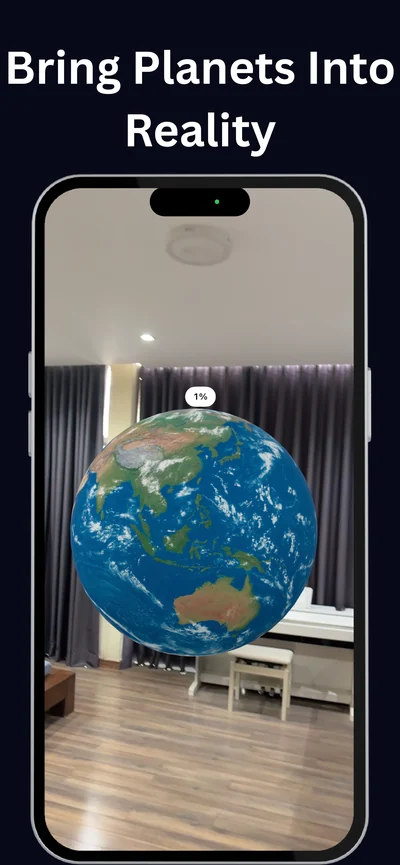
Place a world in your surroundings with AR Quick Look. Move around it and see a familiar room become a place to explore space.
Requires a compatible device and camera access.
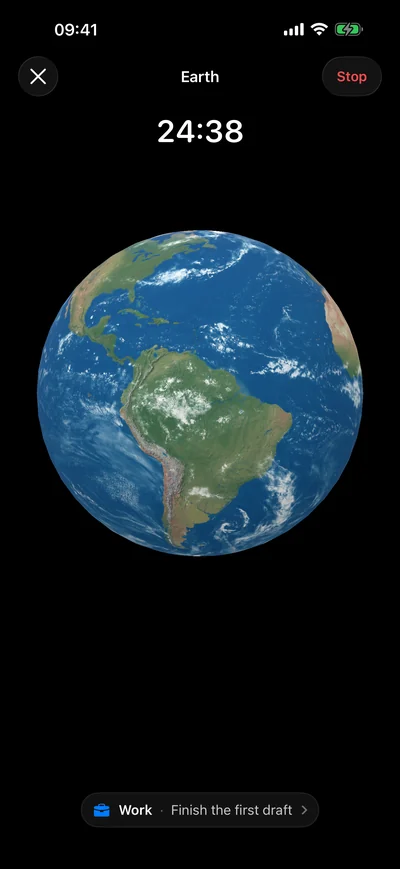
Settle beside a living planet for a 15-, 25-, or 50-minute focus mission. Set an intention, complete your session, and uncover a new space fact.
Review your progress and follow your discoveries over time. Deep Focus can restrict chosen distractions during a mission, with Screen Time authorization on supported devices.
Galaxy Gallery is free to download, with ads and optional purchases. Galaxy Plus adds an ad-free experience and unlimited Deep Focus, with monthly and lifetime options.
See the App Store and the app for current pricing and access details.

Galaxy Gallery is a space exploration and learning app for iPhone and iPad. Explore planets and moons in interactive 3D, watch Solar System orbits, compare planet sizes, and discover facts about the universe. It also includes optional space-themed focus missions.
Yes. Rotate and zoom in on planets, explore the Earth–Moon system, watch planetary orbits, and compare worlds at their relative sizes. Planet-size comparisons show relative body sizes, with spacing arranged for viewing.
Explore planet information, listen to optional narrated facts, and follow themed Wonder Journeys. Completing focus missions unlocks additional Wonders about planets, moons, and the universe.
Yes. AR Quick Look places planets in your surroundings so you can view them through your device. AR requires compatible hardware and camera access.
You can explore the 3D planets, Solar System, comparisons, and AR directly. Galaxy Focus is an additional way to spend time beside a planet and unlock discoveries through 15-, 25-, or 50-minute missions.
Galaxy Gallery is free to download and contains ads and optional in-app purchases. Galaxy Plus provides an ad-free experience and unlimited Deep Focus, with monthly and lifetime options. Check the App Store and the app for current pricing and access details.
Deep Focus uses Apple Screen Time authorization to restrict selected distractions during a focus mission. You can block selected apps or keep essential apps available. Availability depends on device support and authorization. Galaxy Plus includes unlimited Deep Focus.
Galaxy Gallery supports iPhone with iOS 17 or later and iPad with iPadOS 17 or later. Features such as AR and Deep Focus also depend on device capabilities and the permissions you grant.
Choose a planet. See where your curiosity takes you.