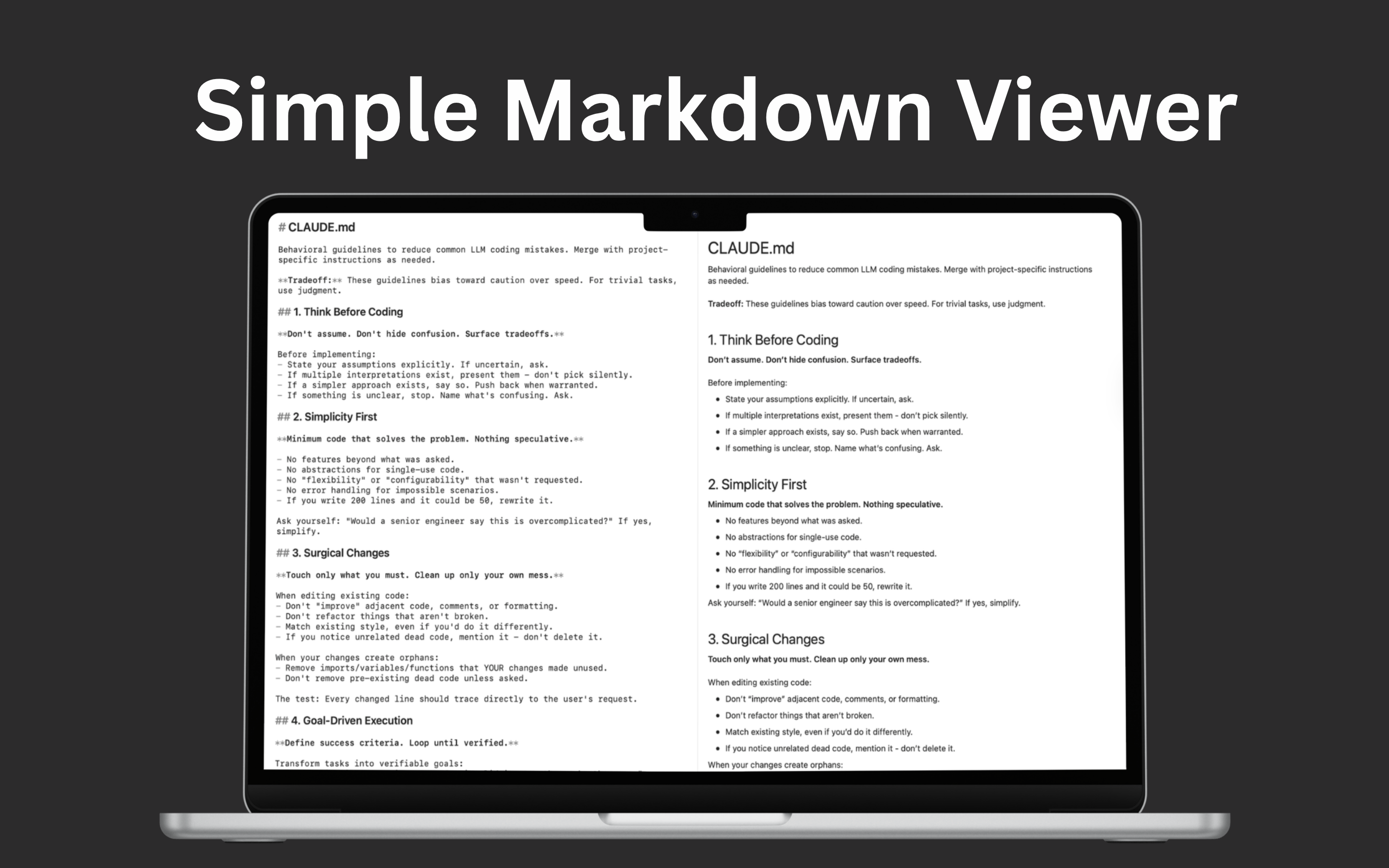
Simple Markdown Viewer
Open and read Markdown instantly with a clean, distraction-free layout—perfect for docs, notes, and README files.
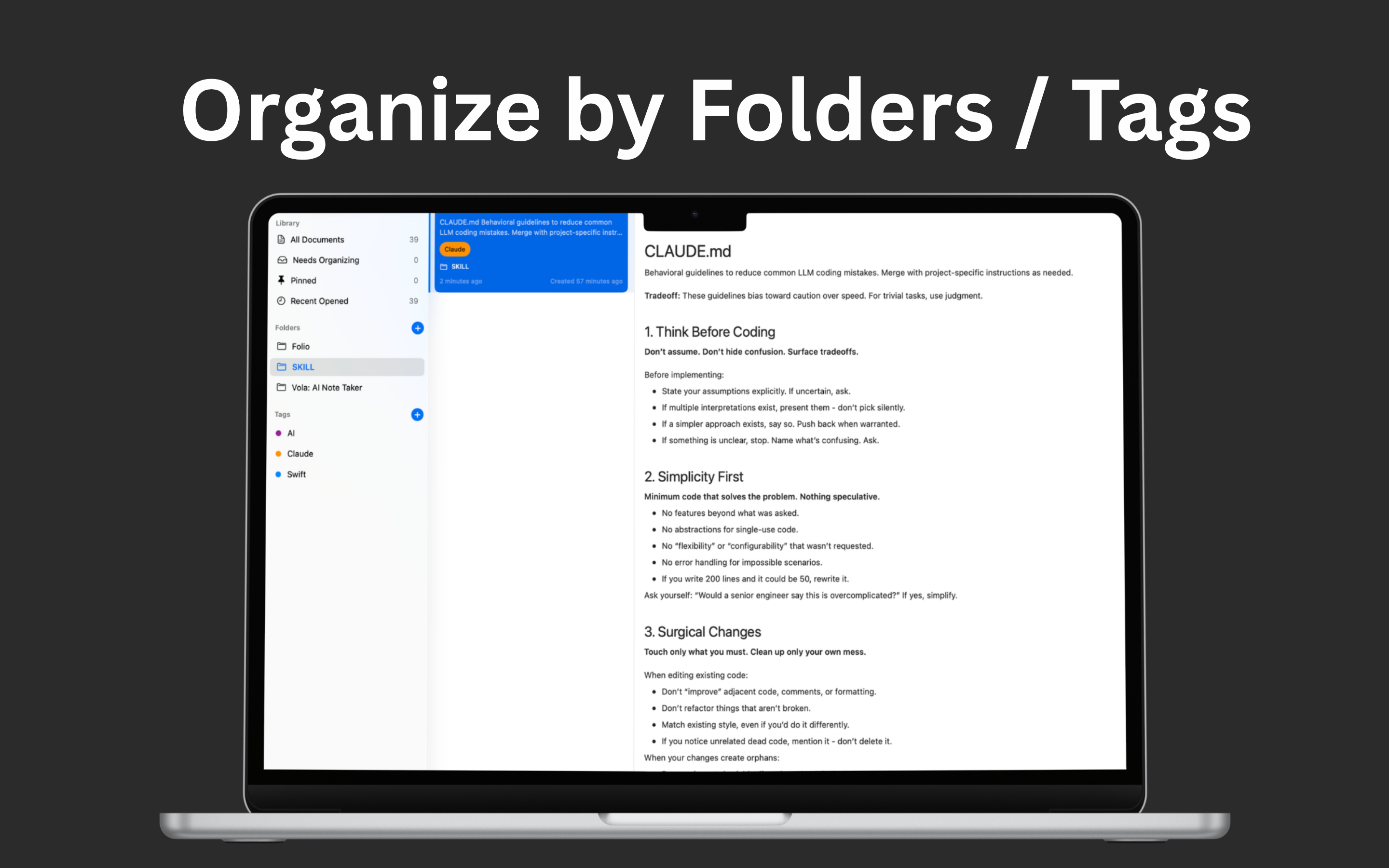
Organize by Folders / Tags
Keep your library structured the way you think. Group by folder, add tags, and build a system that scales as your notes grow.
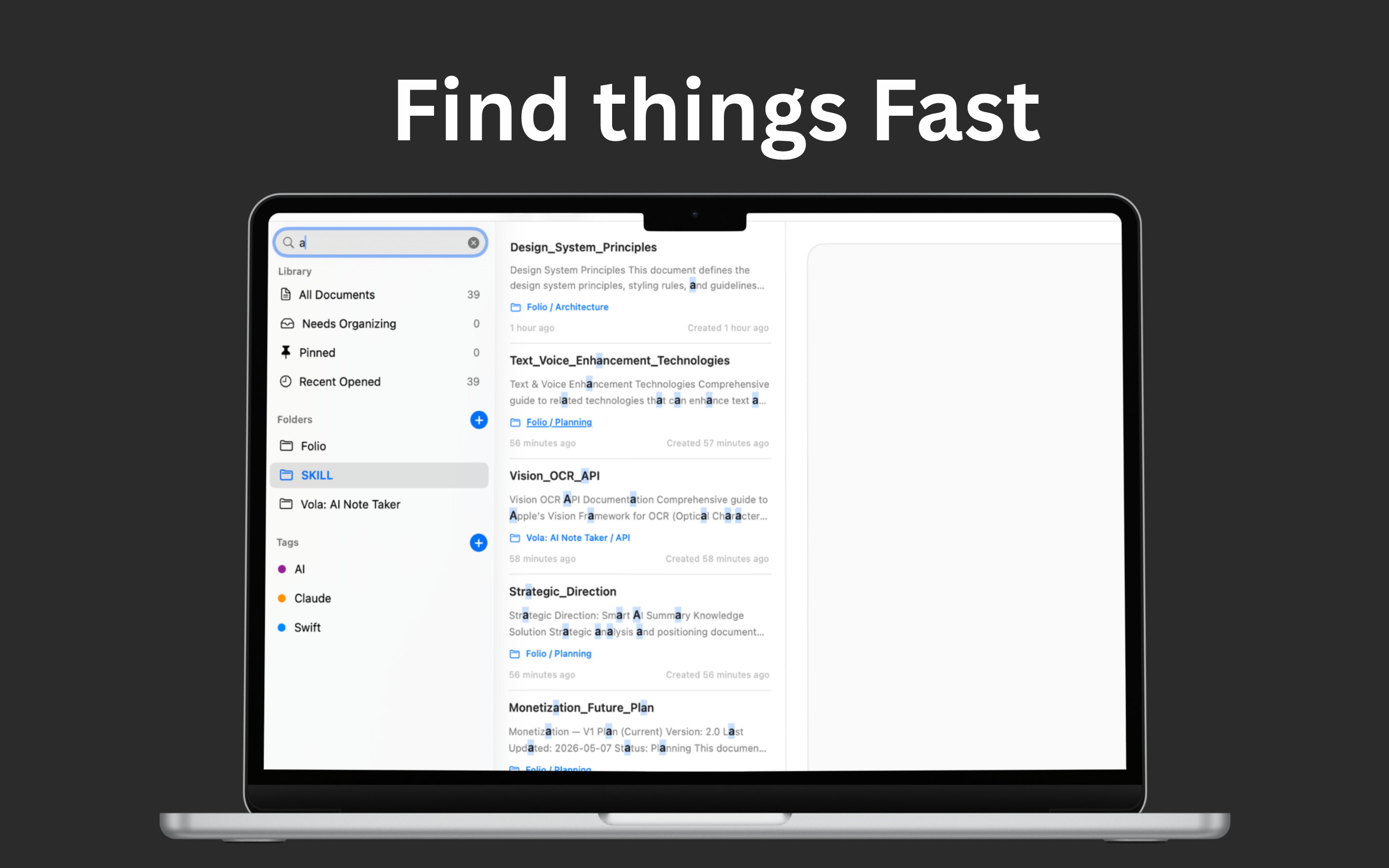
Find Things Fast
Stop hunting through directories. Search across your library and jump straight to the document you need right now.
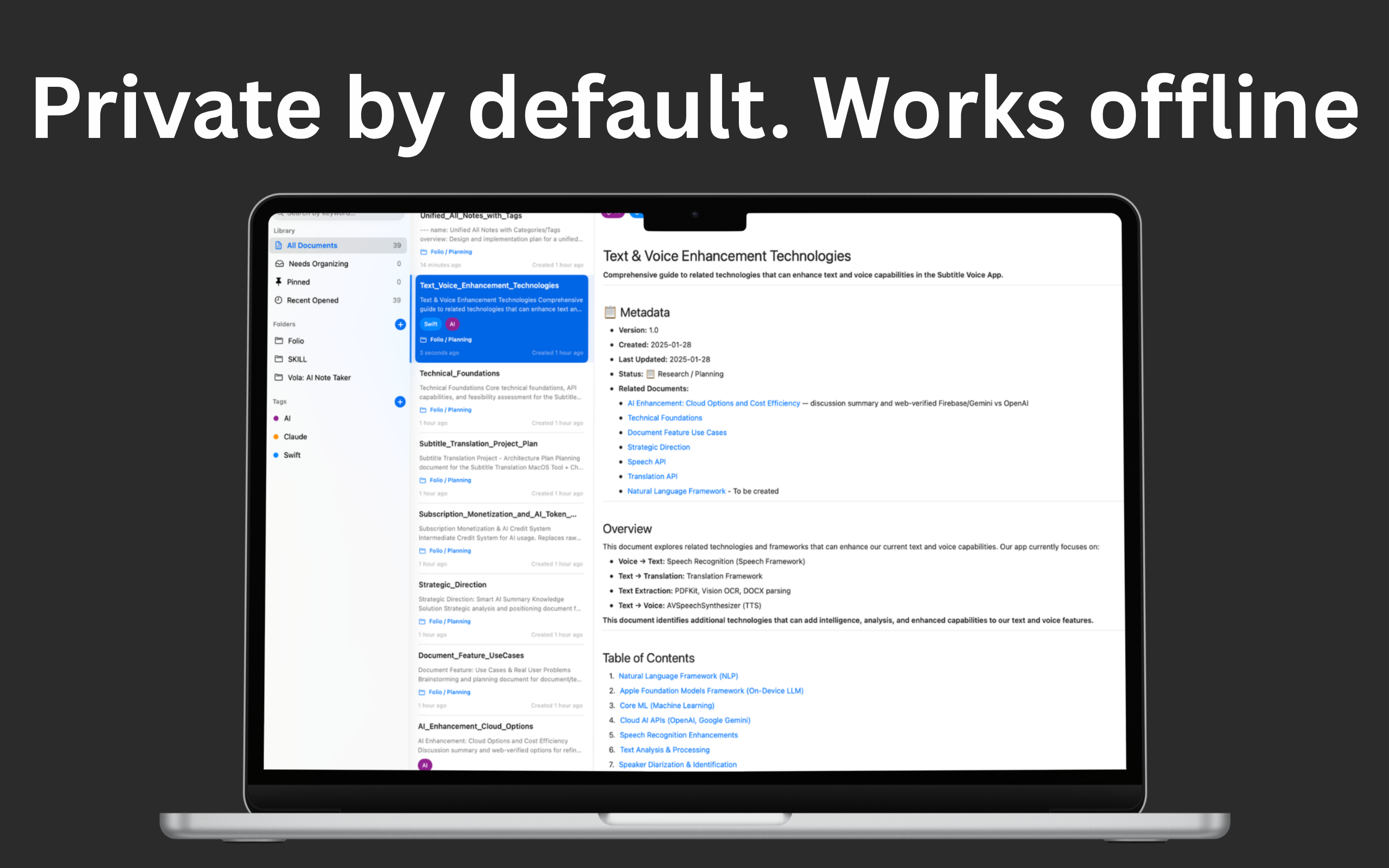
Local Markdown Hub (Full Privacy)
Your library stays on your Mac. Folio is designed for a local workflow—so your docs remain private and under your control.
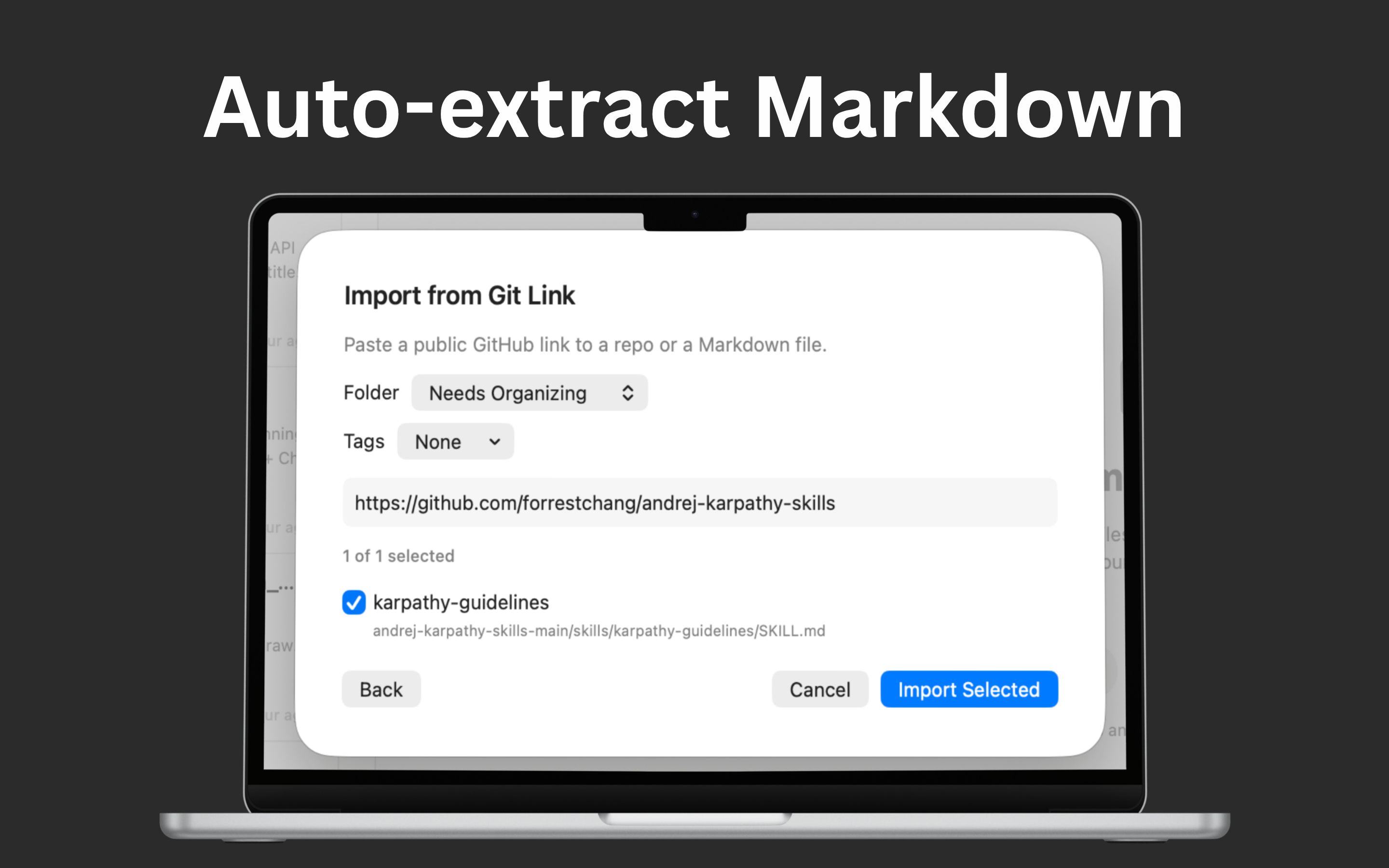
Git Import → Auto-extract & Save Locally
Pull Markdown from a Git repo and keep a local copy in your library. Great for syncing project docs and keeping references available offline.
FAQ
What kind of Markdown does Folio handle?
Folio is built for fast reading of Markdown documents so you can browse docs and notes comfortably.
How do folders and tags work together?
Use folders for structure and tags for cross-cutting topics—so the same doc can be found both ways.
Is search fast on large libraries?
Folio is designed to help you find docs quickly, even as your local library grows over time.
Does Folio upload my notes or track me?
No—Folio is designed as a local Markdown hub, keeping your library on your Mac for full privacy.
What does “Git import” mean?
It lets you bring Markdown docs from a Git repository and save them locally in your library.
Will Git import overwrite my files?
Git import is intended to extract and save Markdown locally; it’s for building a local reference copy.